Traceable document copies
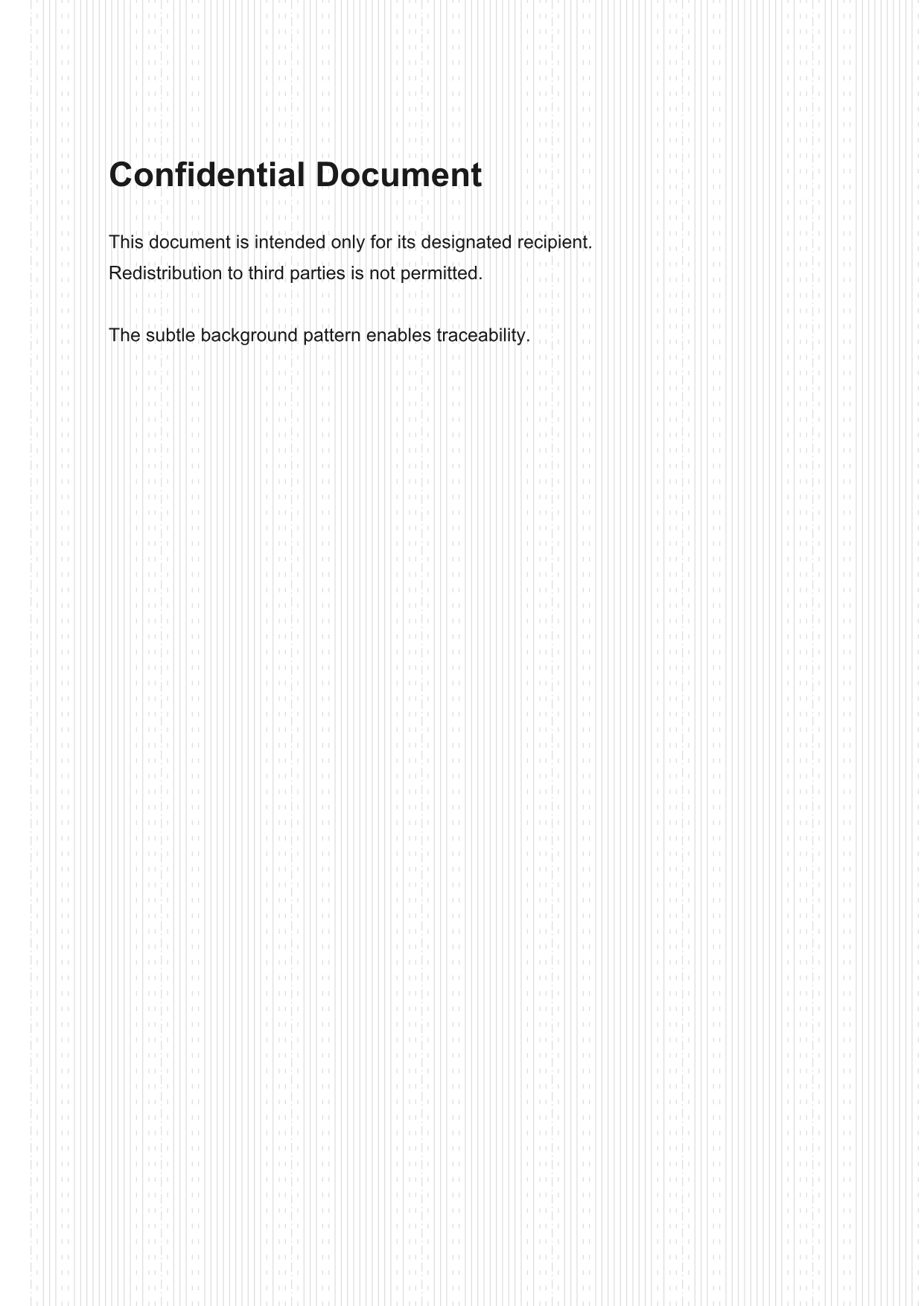
Each copy carries a unique document ID as a discreet, decorative ring pattern — so you can trace any copy back to its source, by machine or by eye with no tools.
Why
Metadata is trivially stripped. The ring pattern is the channel that lasts: it looks like a guilloché-style background, stays legible under the content, and survives copying, re-export, screenshots and printing. Each ring is one bit of an error-protected codeword — solid = 1, dashed = 0, dash-dot = start.
Features
Renders as a faint background texture; the document stays fully readable.
The codeword tiles across the page, so even a ~3 × 3 cm fragment carries the full ID.
Optional Hamming SECDED corrects one misread element and detects two.
No tools needed — read the pattern by eye, type the bits, recover the ID.
Even a partial or slightly wrong read is matched against your issued-ID list.
Pattern mode, ID capacity, protection, spacing, stroke, darkness, opacity.
Three modes
Same bits, same codec — different geometry. Rings hide best and spread in 2-D; lines are axis-aligned, easiest to read and to decode automatically.

Concentric arcs from a corner. Best camouflage, 2-D spread.

Full-width lines down the page. Reads like ruled paper.

Full-height lines across the page. Axis-aligned and simple.
How it works
The ID becomes an error-protected codeword; each bit sets one element's line style.
The pattern is drawn full-bleed onto the PDF; the ID also goes into the metadata.
Measure each element's ink duty cycle into soft bits — from a scan or by eye.
Decode the codeword, or match the soft bits against your list of issued IDs.
Calculator
How many IDs do you need, and how much error protection? See how long the codeword becomes and how large a crop must be to read one ID in full.
Smaller = more discreet and more repetitions, but tighter elements.
Possible IDs
—
Parity bits
—
Codeword length
—
Elements per codeword
—
Safe crop (square)
—
Read by hand — interactive
Drag the window across the pattern. Any window-sized crop — one codeword, the safe ~3 × 3 cm — holds all 20 bits, so no matter where you land you can read the full ID. Solid = 1, dashed = 0, dash-dot = the start ring (!).
—
→
Document ID —
Install & use
// tag a copy with document ID 10234
import { createRingWatermark } from "pdf-ring-watermark";
const wm = createRingWatermark();
const tagged = await wm.tagPdfOnPaper(pdf, { userId: 10234 });
// later — recover from a manual read
wm.decodeBits("!01110011111111110100");
// → { userId: 10234, corrected: false }
# full read → ID (corrects 1 bit / 1 gap)
npx pdf-ring-watermark decode-bits \
"1110100,0111001111"
# partial read → ranked known IDs
npx pdf-ring-watermark match-bits \
--ids issued-ids.txt "0111,00x11111"
Support
pdf-ring-watermark is free and open source. Your donation covers hosting and upkeep — thank you!